

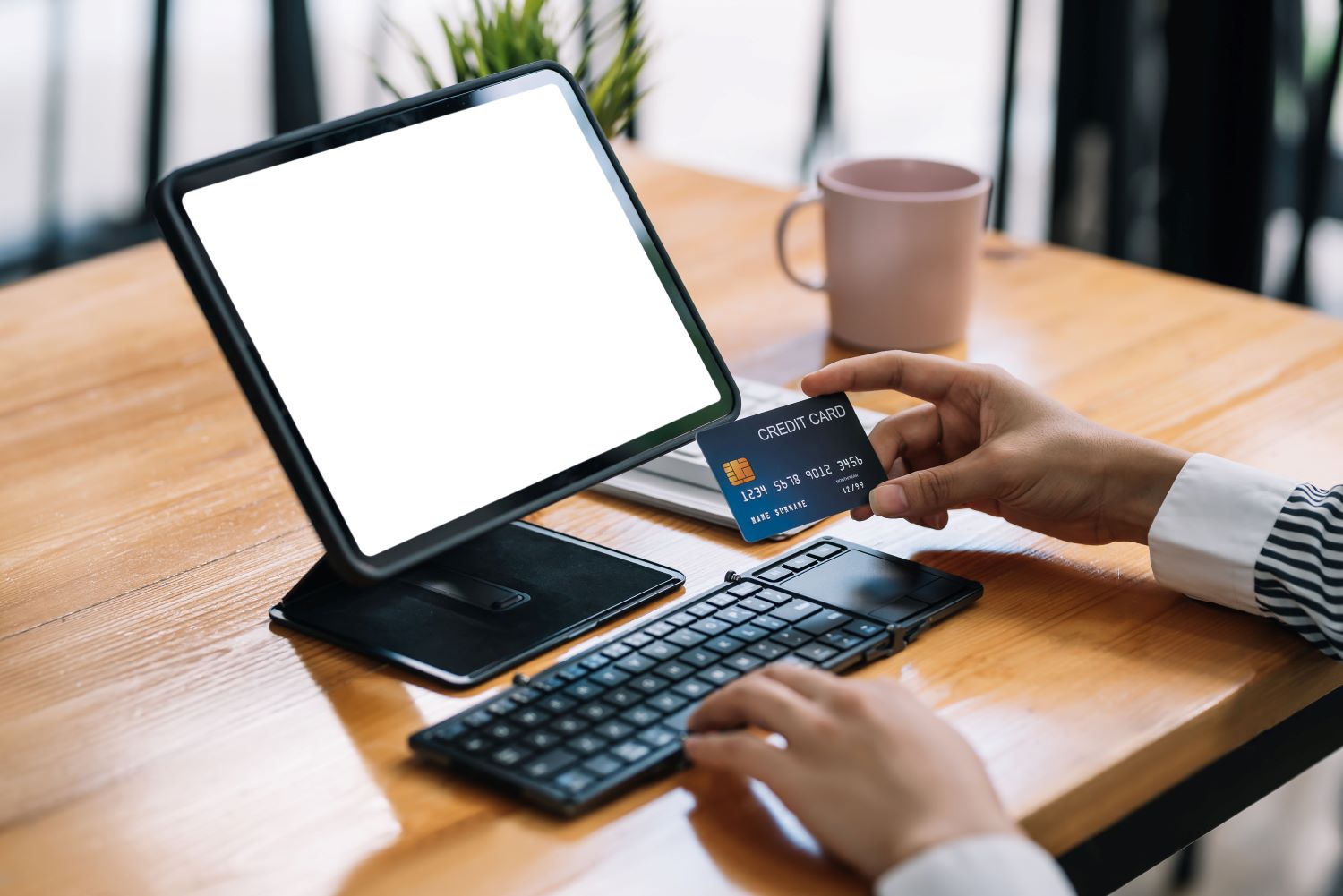
A step-by-step guide on how to set up online payments for your business
When you’re diving into setting up online payments for your business, it’s important to get a grip on the essentials. An online payment system is like a digital cashier that lets your customers pay for what they want on your website. It’s made up of three main parts: payment gateways, payment processors, and merchant accounts.

Key components of an online payment system
Payment gateway
A payment gateway securely transmits your customers’ payment details from your website to the payment processor. It acts as a bridge between the transaction on your site and the bank or payment processor that authorizes the payment. This ensures that sensitive information, like credit card details, is encrypted and handled securely, providing a seamless and safe checkout experience for your customers.
Payment processor
A payment processor communicates with banks, credit card networks, or other financial institutions to verify and approve the transaction. Once approved, it facilitates the transfer of funds from the customer’s account to your business account. This process ensures that payments are completed efficiently and securely.
Merchant account
A merchant account is a special type of bank account that allows businesses to accept payments by credit or debit cards. When a customer makes a payment, the money is first transferred to the merchant account before being moved to the business’s regular bank account. This account holds the funds temporarily while the payment is processed and settled.
Step 1: Picking the right payment gateway for your needs
Choosing the right payment gateway is one of the most important steps when setting up online payments. Think of the payment gateway as the gatekeeper that ensures the payment data is securely sent from your website to the banks.
What to consider when choosing a payment gateway
Transaction fees
These are the costs you’ll pay every time someone buys something from you, and they can add up. Look for a gateway that offers good rates without skimping on the service.
Payment types supported
To provide a smooth and comprehensive payment experience for your customers, it’s important to ensure that your payment gateway can handle all major credit and debit cards, such as Visa, MasterCard, American Express, and Discover. This ensures that customers can use their preferred payment method without issues. Additionally, it’s essential to integrate popular digital wallets like PayPal, Apple Pay, and Google Pay, as these payment options offer a fast, secure, and convenient checkout experience for customers who prefer not to enter card details manually. By supporting a wide range of payment methods, you can enhance customer satisfaction, reduce cart abandonment, and expand your reach to a broader audience.
Integration
It’s crucial to ensure that your payment gateway integrates seamlessly with your website or app, whether you’re using a popular e-commerce platform like Shopify or a custom-built solution. For platforms like Shopify, integration is typically straightforward, as most gateways offer plugins or built-in support. This allows you to quickly connect your payment system to your store without much technical effort. However, for custom-built websites, the integration process may involve using APIs or other coding solutions to connect your payment gateway directly to your system. Regardless of the approach, the integration should be smooth and efficient, ensuring that the checkout process is seamless for your customers and that payments are processed securely without any disruptions.
User experience
A simple and straightforward checkout process is crucial to reducing cart abandonment and enhancing customer satisfaction.
In short, when figuring out how to set up online payments, you want a payment gateway that balances cost, functionality, and ease of use, making the checkout process seamless for your customers.
Step 2: Setting up a merchant account
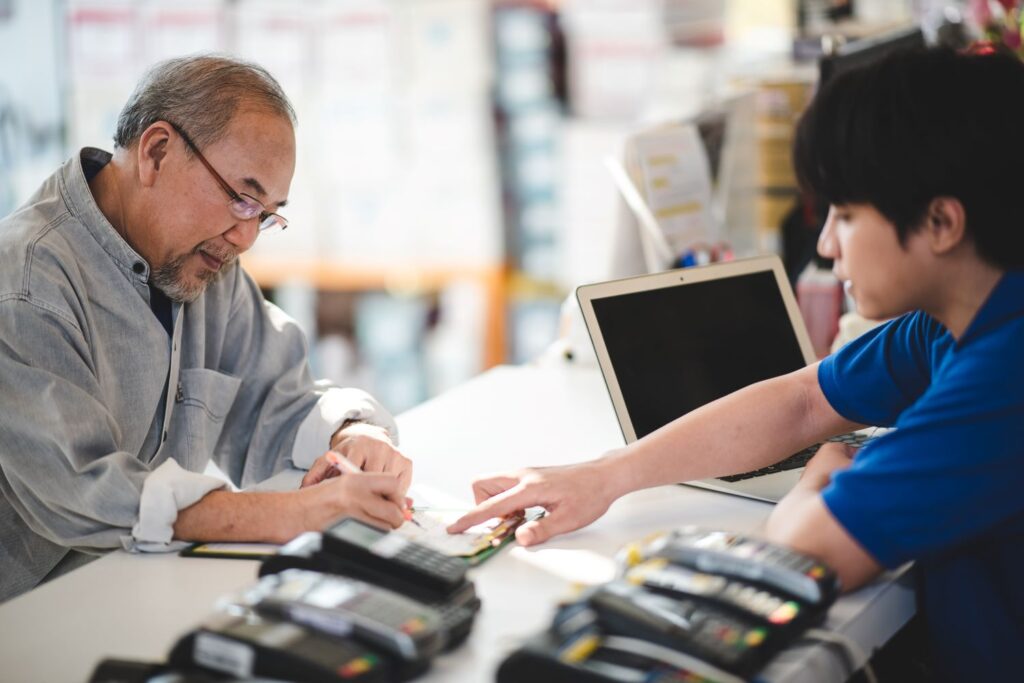
A merchant account is like the middleman for your online payments—it’s where the money from your sales goes before it hits your regular bank account. Without one, you wouldn’t be able to accept credit card payments or other types of electronic payments.
How to set up a merchant account
Application process
When you partner with a bank or payment processing provider to set up a merchant account, they typically require you to provide details about your business. This includes information such as the products or services you sell, your projected sales volume, and your business’s financial history. This helps the provider assess the level of risk involved in processing payments for your business. Once approved, the merchant account allows you to accept card payments and other electronic transactions securely.
Approval
When you apply for a merchant account, the bank or payment provider conducts an underwriting process to assess the risk associated with your business. This evaluation typically involves reviewing factors such as your business type, financial stability, transaction volume, and the likelihood of chargebacks or fraud. Based on this assessment, the provider will decide whether to approve your merchant account and, if approved, may set specific terms, such as processing fees or limits on transaction amounts.
Integration
Once approved, your merchant account links with your payment gateway, allowing you to process payments seamlessly.
This account is key to making sure your online payment system runs smoothly. Knowing how to set up online payments starts with getting this account in place, setting the stage for all your transactions.
Step 3: Adding payment options to your website or app
Now that you’ve got your payment gateway and merchant account sorted, it’s time to add payment options to your website or app. This is where you make it easy for your customers to pay you, whether they’re buying on a desktop, tablet, or phone.
Integration methods
Plugins
These plugins act as connectors between your online store and the payment gateway, automating the payment process for you. They handle the technical aspects of securely processing payments, ensuring that customers can pay via credit cards, digital wallets, or other methods without you needing to manually handle complex integrations. By using these plugins, you can offer a seamless and secure checkout experience for your customers, while the plugin takes care of the backend work.
APIs
APIs allow your website to send transaction data securely to the payment gateway and receive approval or rejection in real-time. This direct communication ensures that payments are processed efficiently without the need for manual intervention. APIs handle the technical complexity of securely transmitting sensitive information, such as credit card details, while maintaining smooth functionality for your website’s users. By using payment gateway APIs, you can customize the payment experience and ensure that transactions are seamlessly integrated into your website’s checkout process.
Hosted payment pages
Customers are sent to a secure page provided by your payment gateway to complete their purchase. While easier to set up, this may disrupt the user experience slightly as customers leave your site to pay.
Whichever route you choose, the goal is to make paying as simple as possible. A smooth, hassle-free checkout process can make a big difference in keeping customers happy and boosting your sales—a key part of knowing how to set up online payments that work for everyone.
Step 4: Keeping your online payments secure and compliant

When it comes to online payments, keeping everything secure is a top priority. After all, you’re dealing with people’s financial information, so you need to make sure it’s safe.
Security measures to implement
Encryption
This is like locking up your customers’ payment details in a digital safe so only the right people can access it. Encryption ensures that no one can read the information as it travels from your customer to your payment processor.
Fraud prevention
Tools like Address Verification Systems (AVS) and Card Verification Value (CVV) checks help ensure that the person making the payment is actually who they say they are. Real-time fraud monitoring also helps catch suspicious activity before it becomes a problem.
PCI-DSS compliance
This set of guidelines helps businesses keep credit card information secure. Sticking to these rules protects your customers and keeps your business out of trouble.
Step 5: Testing your payment setup before going live
Before launching your online payment system, it’s essential to thoroughly test it to ensure everything works as it should. Testing helps catch any issues that could disrupt your customers’ experience or result in lost sales.
Testing your payment setup ensures that transactions process smoothly, security protocols are effective, and the user experience is seamless. Skipping this step could lead to errors that frustrate customers and hurt your business.
How to test your payment system
Test transactions
Start by processing a few transactions from start to finish. Make sure payments go through and funds reach your merchant account without any Address Verification System.
User experience
Walk through the payment process as if you were a customer. Check for any confusing steps or glitches that could cause cart abandonment.
Security checks
Ensure all security measures, like encryption and fraud prevention tools, are functioning properly.
Tools and services for testing
Consider using sandbox environments offered by payment gateways like PayPal and Stripe. These tools allow you to simulate transactions without moving real money, making it easier to identify and fix any issues.
Step 6: Managing and monitoring your payment system for smooth operations
Once your online payment system is up and running, the work doesn’t stop there. Continuous management and monitoring are key to keeping everything running smoothly.
Keeping track of performance
Regularly monitor your payment system to ensure it’s processing transactions efficiently. Look out for any delays or errors that could indicate a problem. Use reporting tools provided by your payment gateway to track transaction success rates and identify any bottlenecks.
Handling issues
Inevitably, issues like payment disputes, refunds, or customer inquiries will arise. It’s important to have a plan in place for dealing with these situations promptly. Set up clear processes for managing disputes and issuing refunds, and ensure your customer service team is equipped to handle payment-related queries.
Optimizing based on insights
Monitoring also gives you insights into how to set up online payments more effectively. Use the data to optimize your system, whether that means tweaking the checkout process or improving security measures.
The bottom line
Setting up online payments is just the beginning. To keep your system running smoothly and your customers happy, it’s important to continuously monitor and fine-tune your setup. Regular testing, vigilant monitoring, and proactive issue management will help you maintain a reliable and efficient payment system. With these steps, you’ll be well on your way to creating a seamless payment experience that supports your business’s growth.
FAQs
How do we start online payments?
To start online payments, you need to set up a payment gateway and a merchant account. This will allow your business to securely accept payments on your website or app.
How do I set up digital payments?
Setting up digital payments involves choosing a payment gateway, integrating it into your website or app, and ensuring you have a merchant account to process the transactions.
How to set up online payments for a business?
To set up online payments for your business, select a payment gateway, create a merchant account, and integrate the payment system into your website or app so customers can pay you online.
What are two methods of online payment?
Two common methods of online payment are credit/debit card transactions and digital wallets like PayPal or Apple Pay.
How can my customers pay me online?
Customers can pay you online using various methods, such as credit/debit cards, digital wallets, or bank transfers, depending on the payment options you offer on your site.