

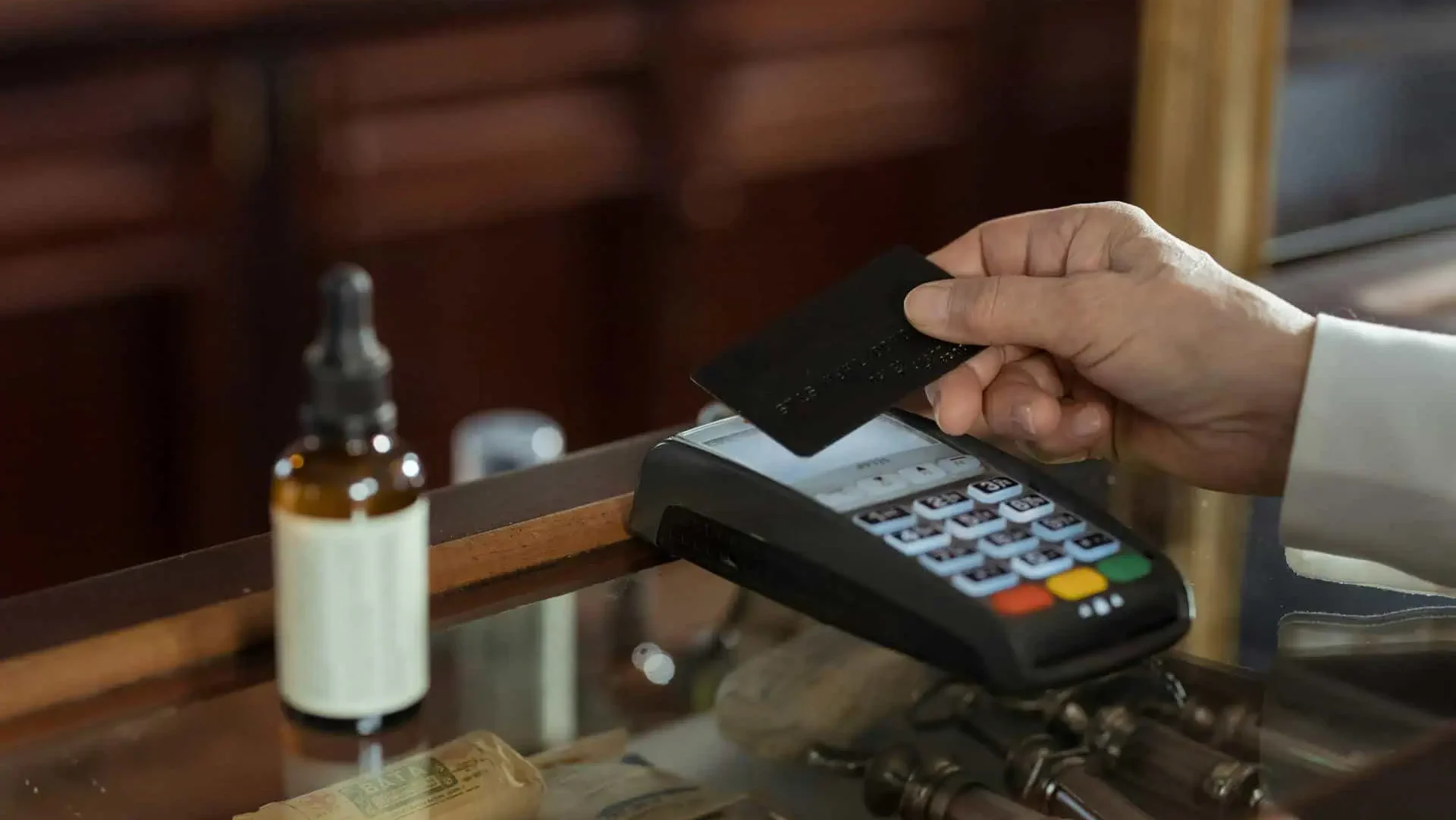
How to install a credit card machine for your business
Setting up a credit card machine is an essential step for small business owners and entrepreneurs in the UK. A smooth payment process enhances customer experience and ensures seamless transactions. Whether you are installing a machine for the first time or upgrading to a more advanced model, following the right steps will help you get it up and running efficiently. This guide walks you through the complete process, from unboxing to ongoing maintenance, while also covering security and integration aspects.
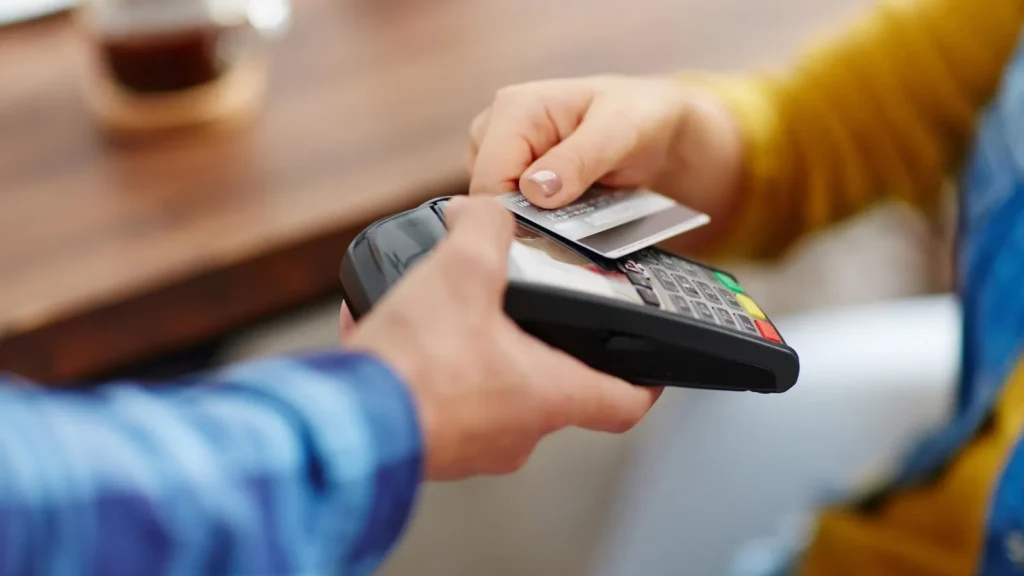
Unboxing and setting up the machine
When you receive your credit card machine, carefully unbox it and inspect all its components. Ensure you have everything needed, including the machine, power adapter, network cables, and instruction manual. Familiarize yourself with its buttons, screen, and card slots before installation.
Choose an appropriate location for the machine, preferably one that is visible and accessible to customers. Consider factors like power supply availability, internet connectivity, and ease of use for both staff and customers. If your business has multiple checkout points, determine the best placement for maximum efficiency.
Connecting to a power source
Once your machine is positioned correctly, connect it to a reliable power source using the provided adapter. A stable power connection is crucial to prevent interruptions during transactions. Follow the manufacturer’s guidelines for turning on the device and initiating the initial setup process. If the machine has a battery, ensure it is fully charged for backup use during power outages.
Configuring the network
A credit card machine typically requires internet access for transaction processing. Depending on the model, you can connect it via Wi-Fi, Ethernet, or mobile data. Select the most reliable option based on your business setup:
- Wi-Fi connection: Navigate to the network settings on the device and select your preferred Wi-Fi network. Enter the password if required and test the connection.
- Ethernet connection: Use a network cable to connect the machine directly to your router for a stable and secure connection.
- Mobile data: Some models come with built-in SIM card functionality for mobile data access, making them ideal for businesses that require portability.
A strong and secure connection is necessary to avoid transaction failures and ensure smooth payment processing.
Installing software updates
Before using the credit card machine, check for software updates. Manufacturers frequently release updates to enhance security, add new features, and improve performance. Visit the manufacturer’s website or follow on-screen instructions to install the latest firmware. Keeping the machine updated minimizes security risks and ensures compliance with industry standards.
Testing transactions
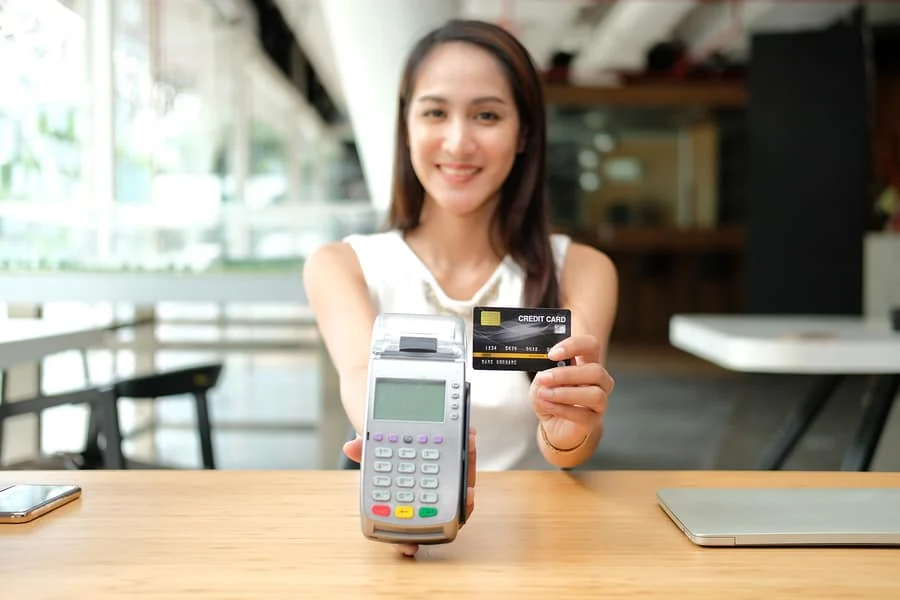
After the setup is complete, perform a series of test transactions to confirm the machine is functioning correctly. Test different payment methods, including:
- Contactless payments (NFC)
- Chip and PIN transactions
- Magnetic stripe payments
- Mobile wallet transactions (Apple Pay, Google Pay, etc.)
Check for any errors and calibrate the device if necessary. Running these tests before going live helps prevent potential issues when serving customers.
Activating your merchant account
To process payments, you need an active merchant account linked to a payment processor or acquiring bank. If you haven’t already set up an account, complete the application process with your preferred provider. Provide necessary business details, banking information, and compliance documents. Once the account is approved, link it to your card machine following the instructions provided by your payment processor.
Ensuring security and compliance
Security is a top priority when handling card transactions. Your credit card machine should comply with Payment Card Industry Data Security Standard (PCI DSS) requirements to safeguard customer information. Implement additional security measures, such as:
- Encryption and tokenization to protect cardholder data
- Regular system audits to identify vulnerabilities
- User authentication protocols to prevent unauthorized access
Train staff on secure payment practices and fraud prevention strategies to maintain a secure transaction environment.
Maintaining the machine for longevity
Regular maintenance is necessary to keep the card machine operating efficiently. Follow these best practices:
- Keep the device clean and free from dust or debris.
- Check cables and connections for wear and tear.
- Store backup power adapters in case of emergencies.
- Monitor transaction reports for any unusual activity.
If issues arise, consult the user manual or contact customer support for troubleshooting assistance.
Integrating with your point-of-sale (POS) system
For businesses using a POS system, integrating it with the credit card machine can streamline operations. A properly integrated system enables automated transaction recording, real-time reporting, and inventory management. Confirm compatibility with your existing POS software and work with your provider to ensure a seamless connection.
Enhancing customer experience with seamless payments
A well-installed credit card machine contributes to an improved customer experience. Offer multiple payment options, including mobile and contactless payments, to cater to diverse preferences. Train employees to assist customers with payments and troubleshoot minor issues efficiently. Placing clear signage at checkout points can also help customers navigate the payment process smoothly.
Staying updated with industry trends
Payment technology is constantly evolving, and staying informed about new trends can benefit your business. Consider upgrading your system when new security features, faster processing capabilities, or advanced payment options become available. Collect feedback from customers and staff to identify areas for improvement and ensure your payment system remains efficient and user-friendly.
Conclusion
Installing a credit card machine correctly ensures seamless transactions and enhances customer satisfaction. By following these steps, from unboxing to ongoing maintenance, you can optimize your payment system for efficiency and security. Regular updates, compliance checks, and integration with POS systems further improve functionality. Prioritizing customer convenience and staying informed about payment trends will help your business thrive in an increasingly digital marketplace.
FAQs
Can I use OneMoneyWay for my small business?
Yes, OneMoneyWay caters to businesses of all sizes, providing comprehensive payment and financial management solutions tailored to your needs.
How can OneMoneyWay help with my business accounts?
OneMoneyWay offers a range of services, including business accounts, cards, currency conversion, and international payment solutions, to streamline your financial operations and drive growth.
Is OneMoneyWay a bank?
No, OneMoneyWay is not a bank. We are a payment and financial management platform that offers services similar to traditional banks, providing the essential tools and resources for managing your business finances effectively.